What TWAIN Direct Can Teach Us About Fixing Windows Protected Print

There’s a growing tension in enterprise print environments: the requirement for security and control versus the need for flexibility and interoperability. Microsoft’s Windows Protected Print (WPP) initiative is a clear attempt to modernize and secure printing—but like many security-first architectures, it introduces friction that organizations are now struggling to navigate.

Interestingly, we’ve already solved a very similar problem in another domain: document scanning.

That solution is TWAIN Direct.


The Core Problem: Control vs. Usability

Windows Protected Print aims to eliminate traditional print drivers, enforce stricter pipelines, and reduce attack surfaces. On paper (no pun intended), that’s exactly what IT departments want.

But in practice, it creates real challenges:

  • Vendor lock-in or limited extensibility
  • Reduced visibility into device behavior
  • Difficulty integrating with existing workflows
  • Constraints on innovation at the edge

If this sounds familiar, it should—these are the exact same problems the scanning industry faced for decades with legacy TWAIN drivers.


The TWAIN Direct Breakthrough

TWAIN Direct didn’t just “improve” scanning—it re-architected the entire model.

Instead of tightly coupling applications to device drivers, TWAIN Direct introduced:

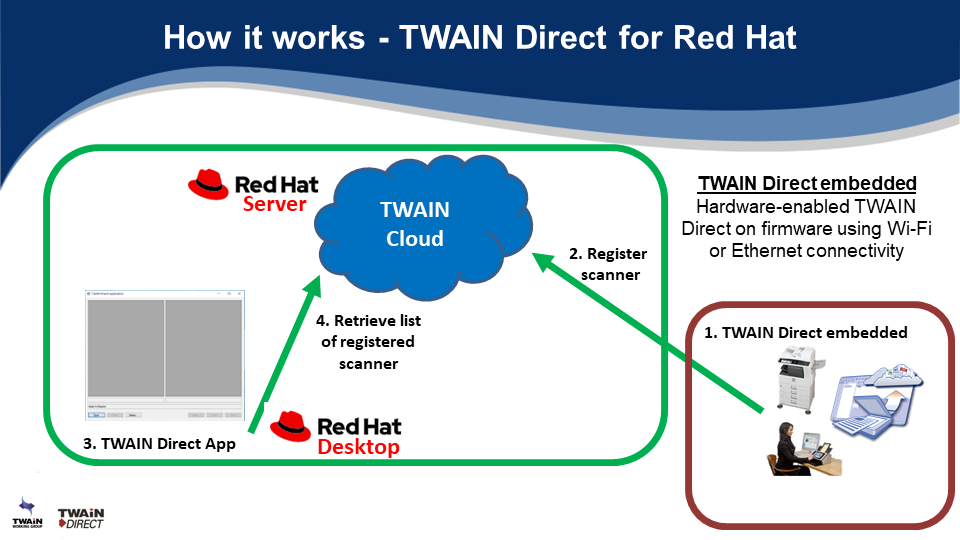
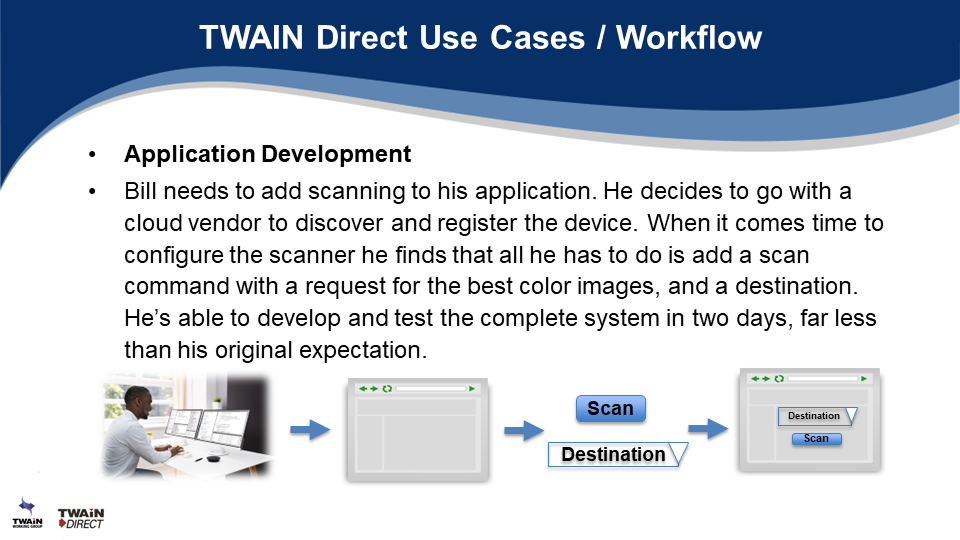
  • A network-based, RESTful communication model
  • Self-describing devices (via capabilities)
  • Asynchronous task execution
  • Event-driven status reporting
  • Driverless operation

In short, it decoupled what you want to do from how the device does it.

That shift unlocked interoperability, observability, and innovation—all while improving security.


The Analogy: Printing Needs Its “TWAIN Direct Moment”

Windows Protected Print is trying to solve security by tightening control at the OS level. But TWAIN Direct shows us a different path:

Move intelligence to the protocol layer, not the platform layer.

Imagine if printing followed the same principles:

1. Self-Describing Printers (Capabilities Model)

Instead of rigid driver definitions, printers could expose their capabilities dynamically:

  • Supported formats
  • Finishing options
  • Security requirements

Applications adapt in real-time—no driver installation required.

2. Task-Based Print Jobs

Rather than sending opaque print streams, clients submit structured “tasks”:

  • “Print 10 copies, duplex, staple”
  • With embedded policy and validation

This mirrors TWAIN Direct’s task model and enables better auditing and control.

3. Event-Driven Observability

One of the most underrated strengths of TWAIN Direct is its eventing model:

  • Job started
  • Page scanned
  • Error occurred
  • Job completed

Apply this to printing, and suddenly WPP gains:

  • Real-time monitoring
  • Better troubleshooting
  • True device-level telemetry

4. Secure, Network-Native Communication

TWAIN Direct assumes secure HTTP-based communication from the start:

  • TLS encryption
  • Token-based authentication
  • No reliance on local drivers

This aligns perfectly with WPP’s security goals—but without sacrificing openness.


Where Windows Protected Print Falls Short

WPP is solving yesterday’s problem (driver vulnerabilities) with yesterday’s architecture (OS-level enforcement).

TWAIN Direct demonstrates that the real solution is:

  • Protocol standardization instead of platform restriction
  • Device intelligence instead of driver dependency
  • Open ecosystems instead of controlled pipelines

The Bigger Opportunity

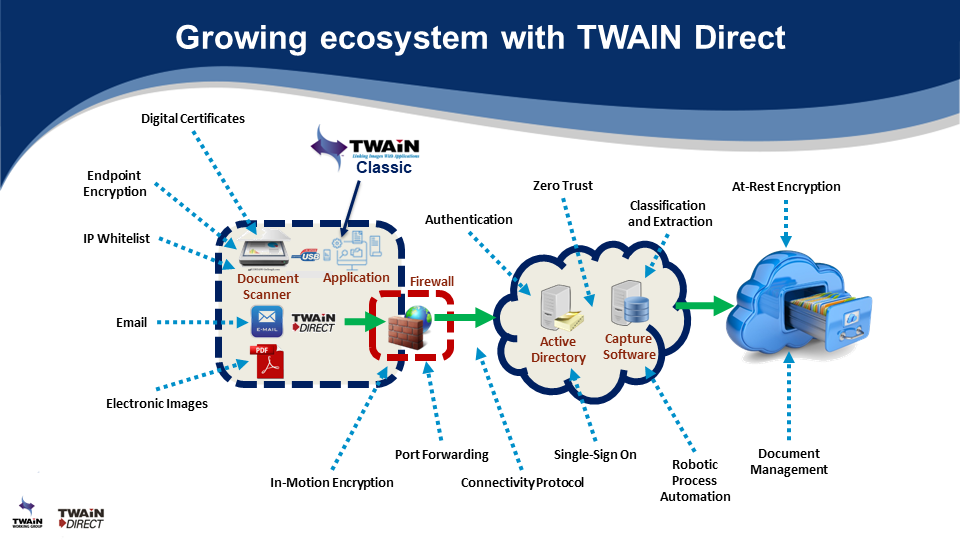
This isn’t just about printing or scanning—it’s about how we design device communication in the age of cloud, AI, and zero trust.

TWAIN Direct proves that you can have:

  • Security
  • Simplicity
  • Interoperability
  • Observability

…without compromise.

If Windows Protected Print evolves to embrace these principles, it could become more than a security feature—it could become the foundation for the next generation of print infrastructure.


Final Thought

The scanning industry already went through this transformation—and came out stronger on the other side.

Printing doesn’t need to reinvent the wheel.

It just needs to recognize that the blueprint already exists.

It’s called TWAIN Direct.
What does the TWAIN Working Group do?

At the recent AIIM International AI+IM Global Summit, we asked the audience if they knew what the TWAIN Working Group does and a majority answered that they did not know, or wanted more information. So we’ve created this short explainer video as a high level overview for our 3 projects of TWAIN Classic, TWAIN Direct and PDF/Raster.

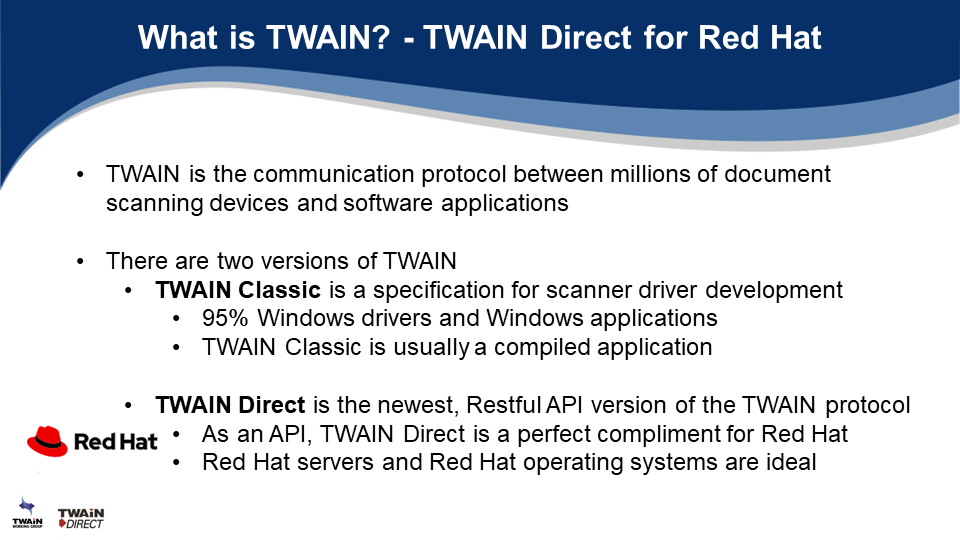
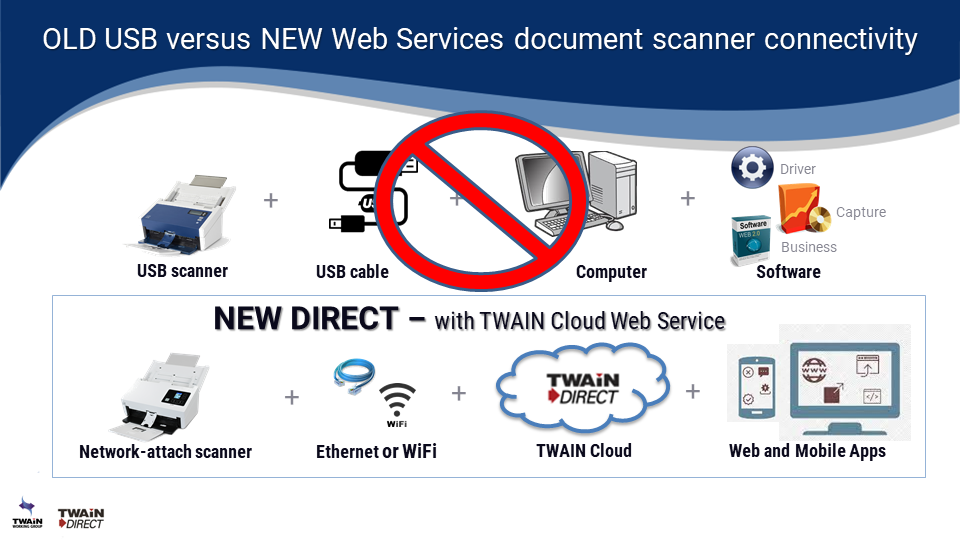
1. TWAIN Classic is a mature specification used for USB document scanners.
2. TWAIN Direct is a newer, RESTful API architecture, specification used for Ethernet or WiFi scanners and MFP’s.
3. PDF/Raster, or PDF/R, is a simplified version of PDF optimized for document scanning IoT devices.

Capture & IDP Conference 2023 – TWAIN Working Group

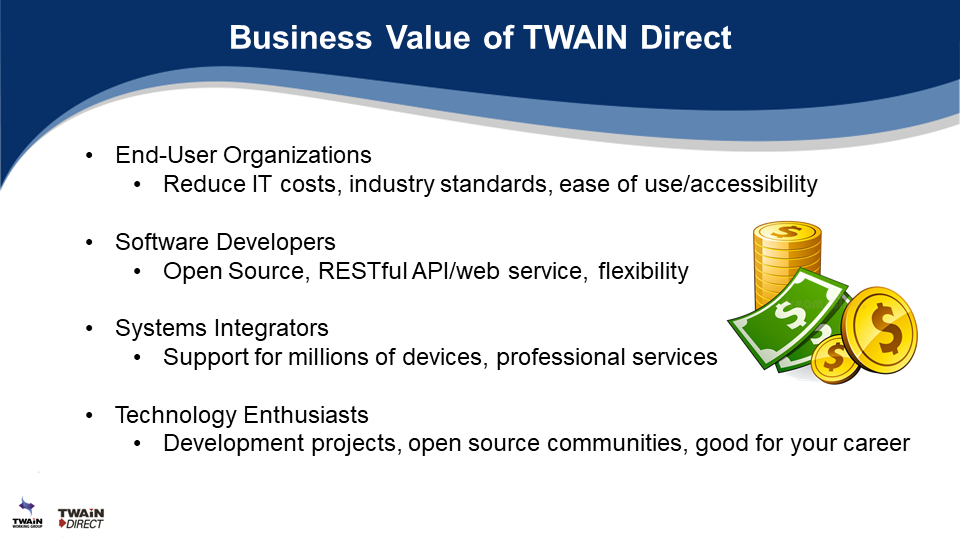
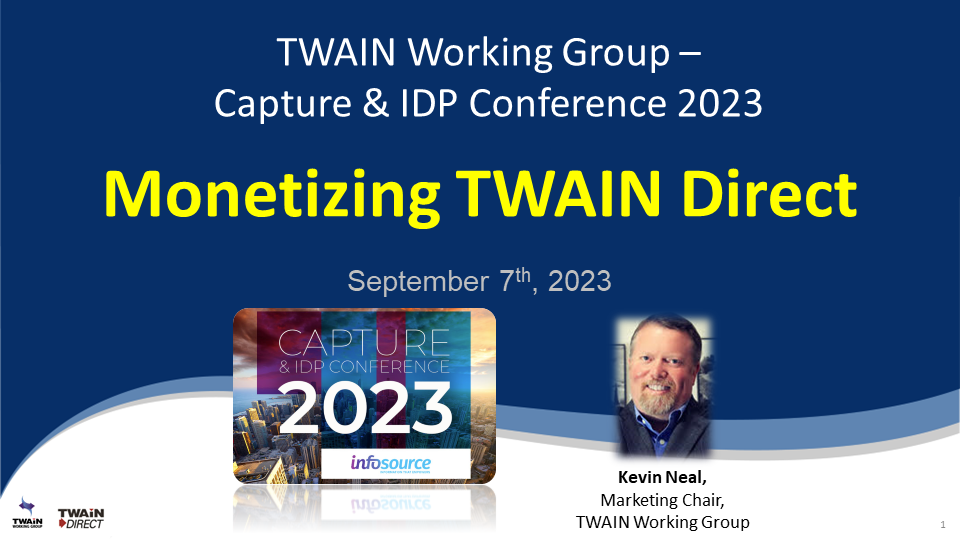
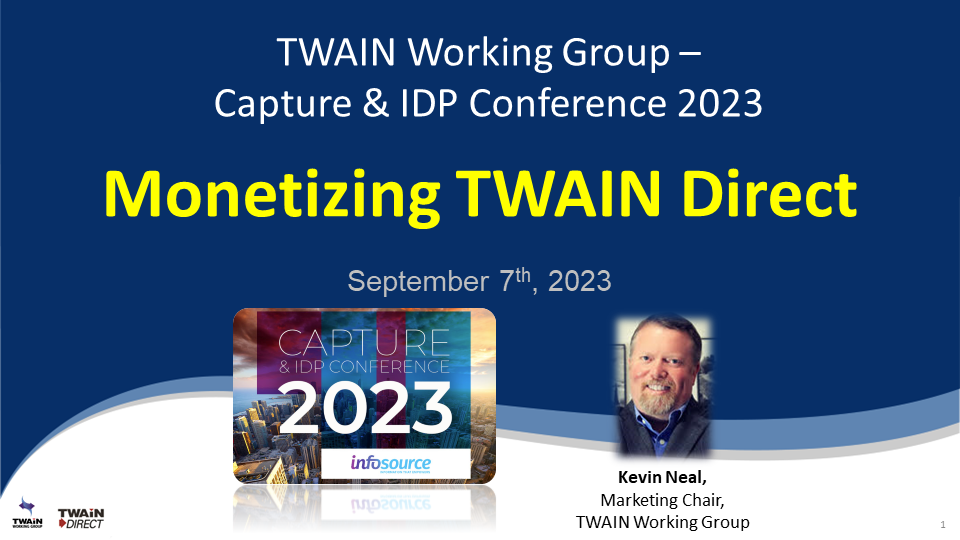
It was a great honor for me to represent the @TWAIN Working Group at the Infosource Capture & IDP Conference last week in Chicago. I provided an update to the attendees on “Monetizing TWAIN Direct” with some examples of Use Cases for Generative AI, Conversational AI and Document Processing AI with TWAIN Direct. Then I shared our success with TWAIN Direct Developers Day in Safety Harbor, Florida as well as the TWAIN Direct ISV Showcase Series webinars. Finally, I thanked our valued member companies and encouraged membership to be part of the Digital Transformation AI future with TWAIN!

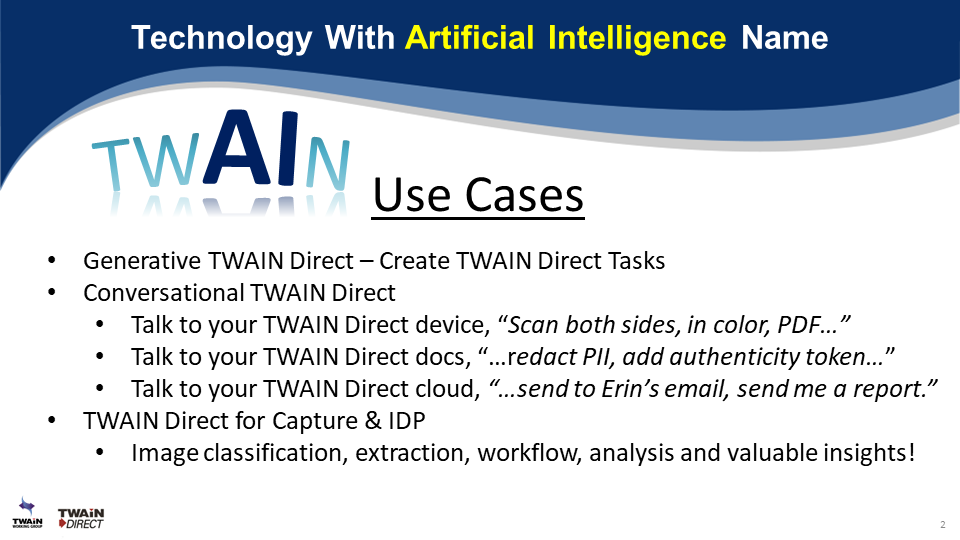
At the Infosource Capture & IDP Conference last week, I shared some real Artificial Intelligence use cases for TWAIN Direct. I was having some fun with the TWAIN acronym, to get the audiences attention and to fit in with the theme of AI, but I was also very serious about incorporating various techniques of AI including Generative AI, Conversational AI, and Document Processing/Analytics AI to illustrate the strategic importance of TWAIN Direct to the AI ecosystem

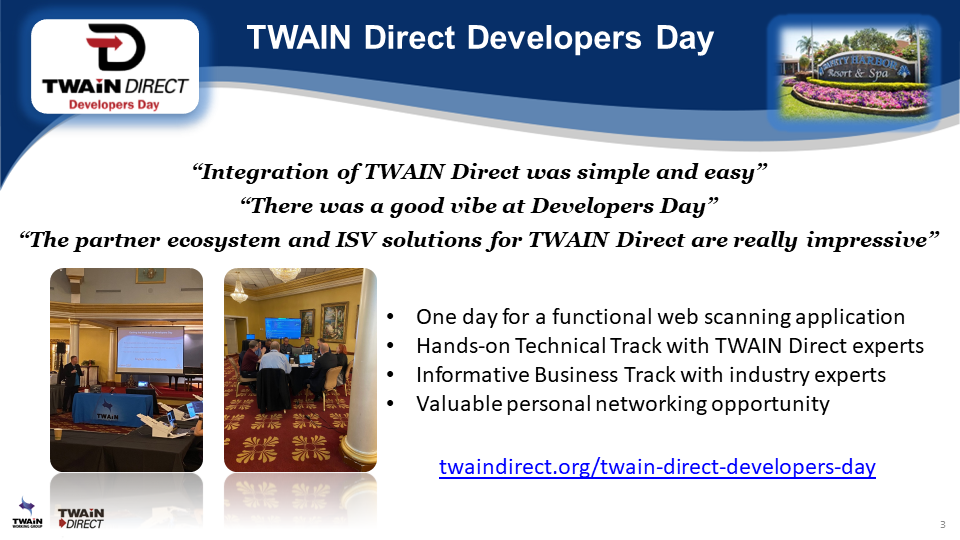
One of the TWAIN Working Group highlights I shared at the Infosource Capture & IDP Conference last week, was TWAIN Direct Developers Day (TD-DD). TD-DD was a terrific and energy-filled day of seeing TWAIN Direct in action. In one day software developers were able to get a functioning TWAIN Direct document scanning application working. Some feedback included: “Integration of TWAIN Direct was simple and easy”, “There was a good vibe at Developers Day” and “The partner ecosystem and ISV solutions for TWAIN Direct are really impressive”. We will be hosting another Developers Day in Spring 2024 so please send me a message for more details.

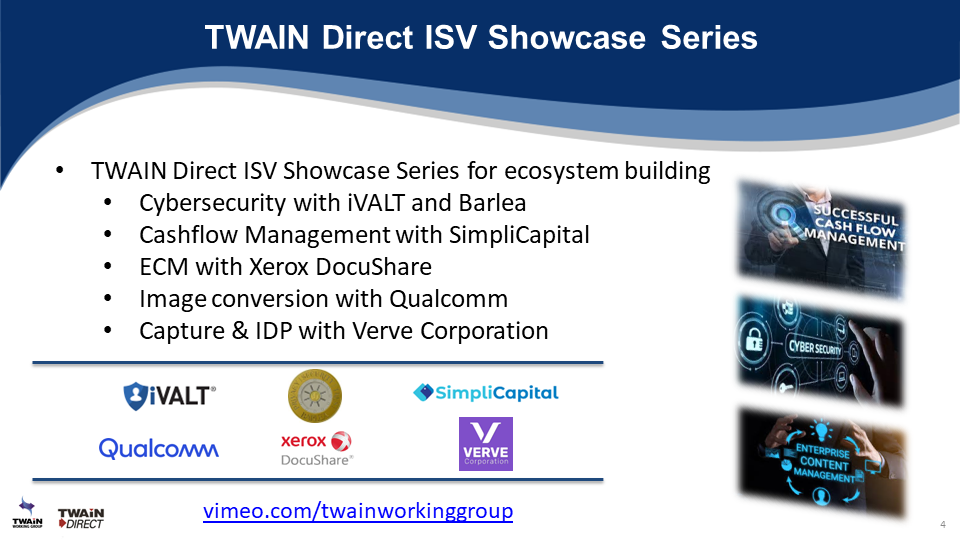
Fitting directly in the theme of my presentation of “Monetizing TWAIN Direct” at the Infosource Capture & IDP Conference last week, was sharing the TWAIN Direct ISV Showcase Series. This ongoing webinar series, hosted by the TWAIN Working Group, included various topics such as cybersecurity, cashflow management, content management, file conversion, capture, and more, featuring our growing ecosystem of software partners and integrations. Please send me a message if you’d like to be included in future TWAIN Direct ISV Showcase Series webinars.

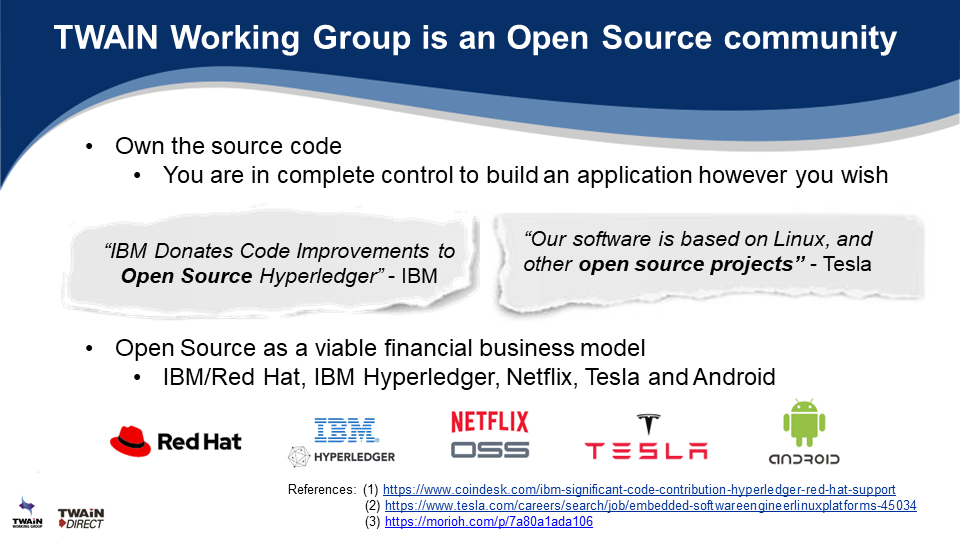
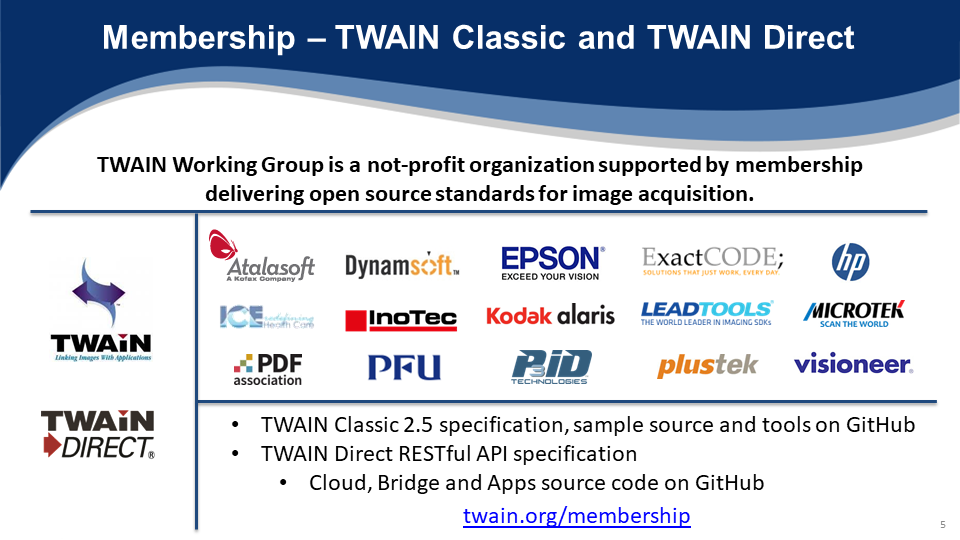
As a non-profit organization, the TWAIN Working Group is supported by our valued member companies. At the @Infosource Capture & IDP Conference last week, many were in attendance including Atalasoft/Kofax, Epson, Kodak Alaris, PFU, P3iD Technologies and Visioneer. Since TWAIN is an open-source specification, our organization is selling nothing and charges no commercial licensing fees. Our only motivation is to provide a solid industry-leading and accepted standard for scanning device-to-software application communication. I’m pleased to share that at the Conference, the state of document scanning with TWAIN Direct has a very bright future and each opportunity means tangible business for one, or many, of our valued member companies.

The Fujitsu Imaging Products Group (IPG) Demo and Education Lab

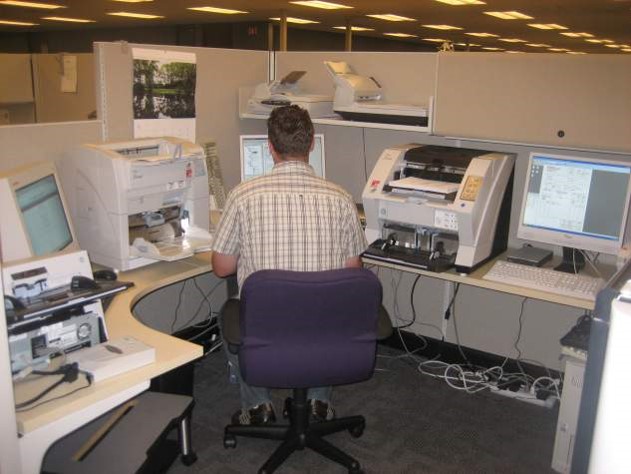
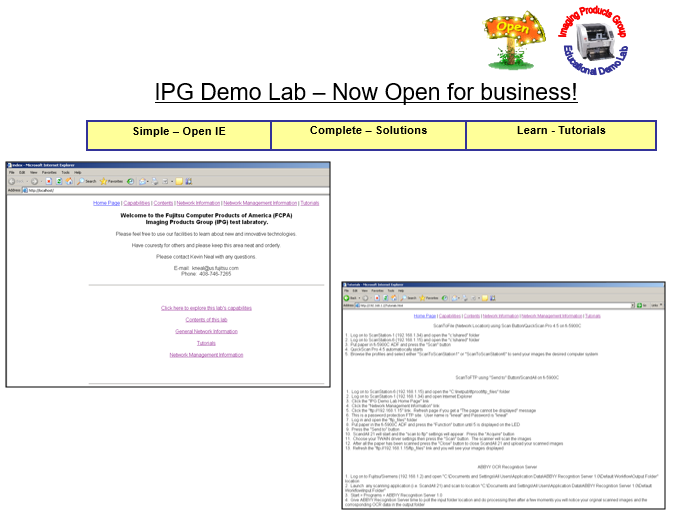
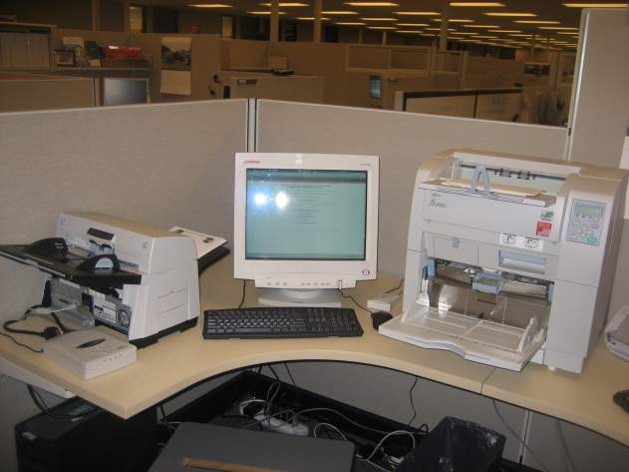
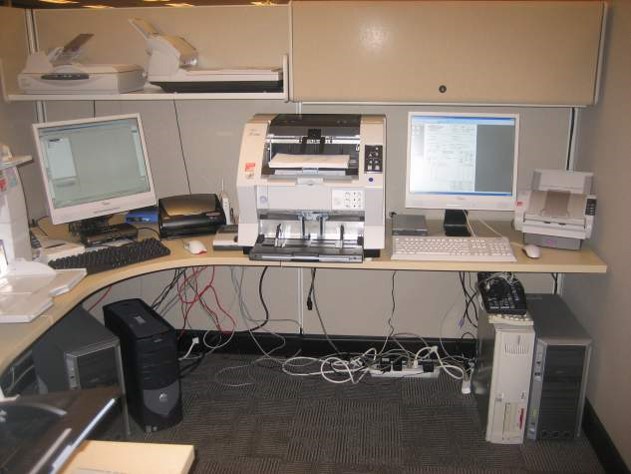
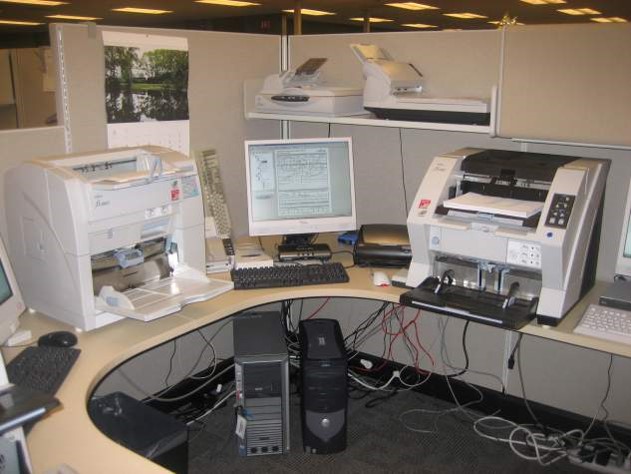
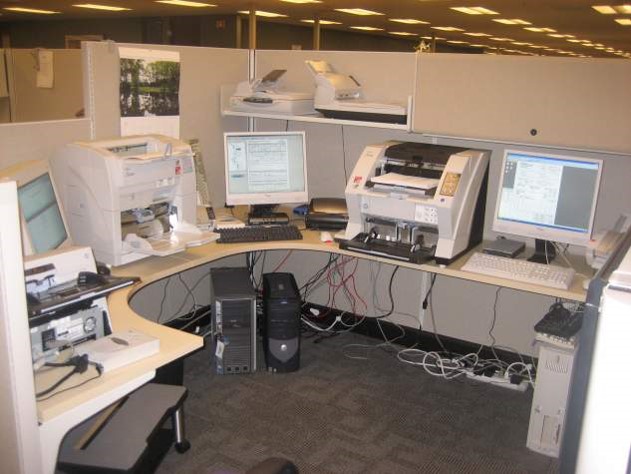
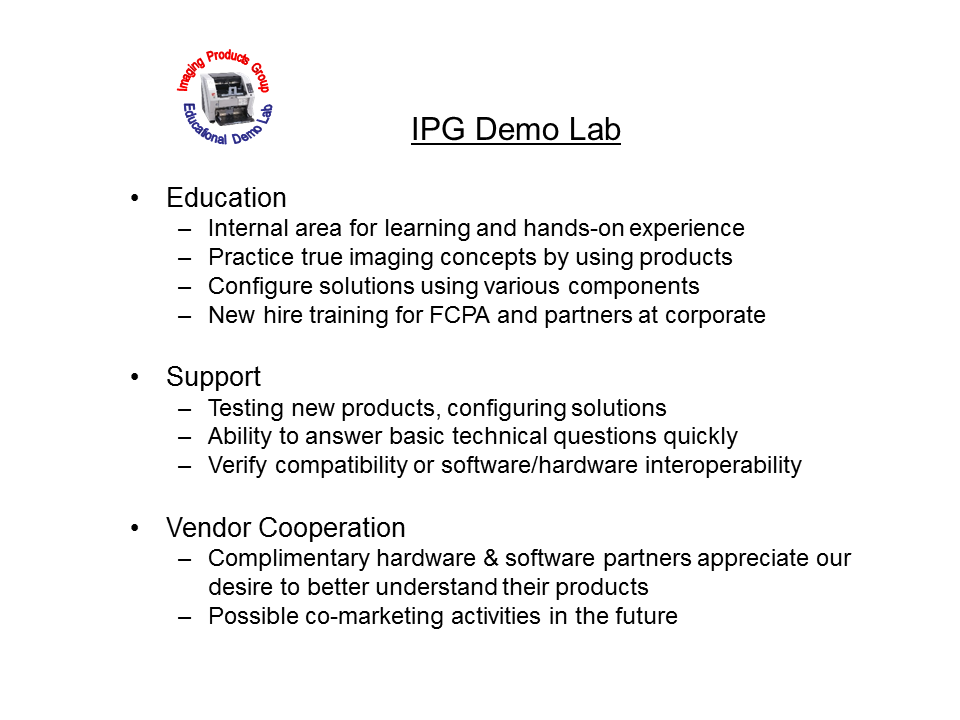
This was a self-imposed project that I was very proud of. In 2007 while working at Fujitsu I took the initiative, and was gratefully given the authority, to organize, prepare and build what I called the “Fujitsu Imaging Products Group (IPG) Demo Lab”. The concept was to setup various solutions that utilized our document scanning technologies for educational purposes.

The project was really great because people were really interested in learning about emerging technologies. I didn’t have to spend any money on building this Demo Lab. All the equipment was excess. We created an internal web portal that people could log on and follow the easy instructions to understand, and try for themselves, the different technologies.

Much of our Demo Lab was dedicated to network-attach solutions so we had many networking hardware products such as Kofax DSS, Axis or Silex but we also had network software solutions such as Network ISIS and RemoteScan TWAIN. It was really great to share this knowledge with others and get such great feedback.

fujitsu-ipg-lab-interface fujitsu-ipg-lab5 fujitsu-ipg-lab4 fujitsu-ipg-lab3 fujitsu-ipg-lab2 fujitsu-ipg-lab1

ipg-lab-purpose